Knows what you already have
Tinker fingerprints your AddOns folder the way the CurseForge app does, so your installed addons show up with their versions. Folders it can't match stay untouched.
Tinker finds, installs and updates World of Warcraft addons from CurseForge. It's a 25 MB app with no ads, no Overwolf and no tracking.
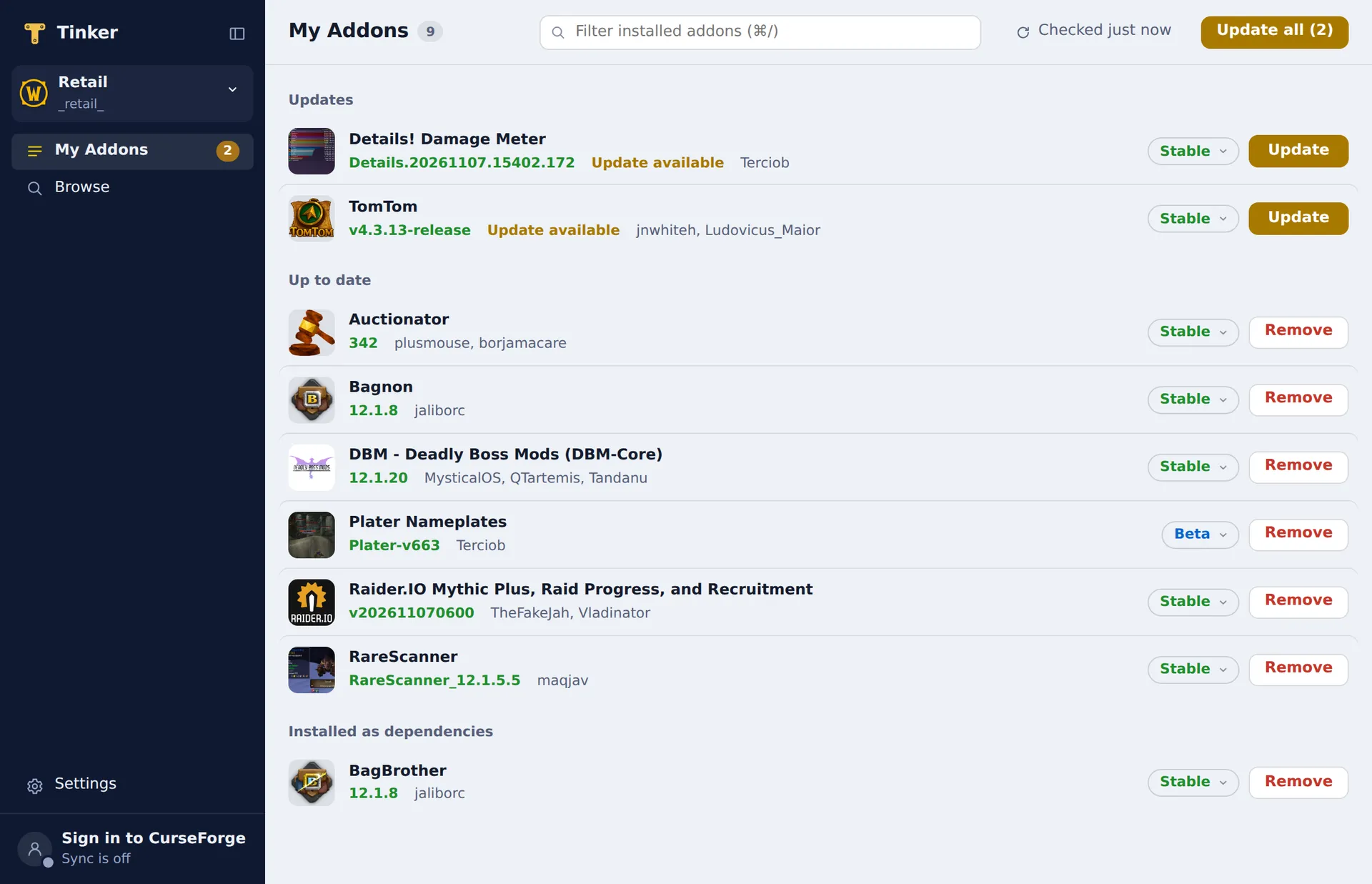
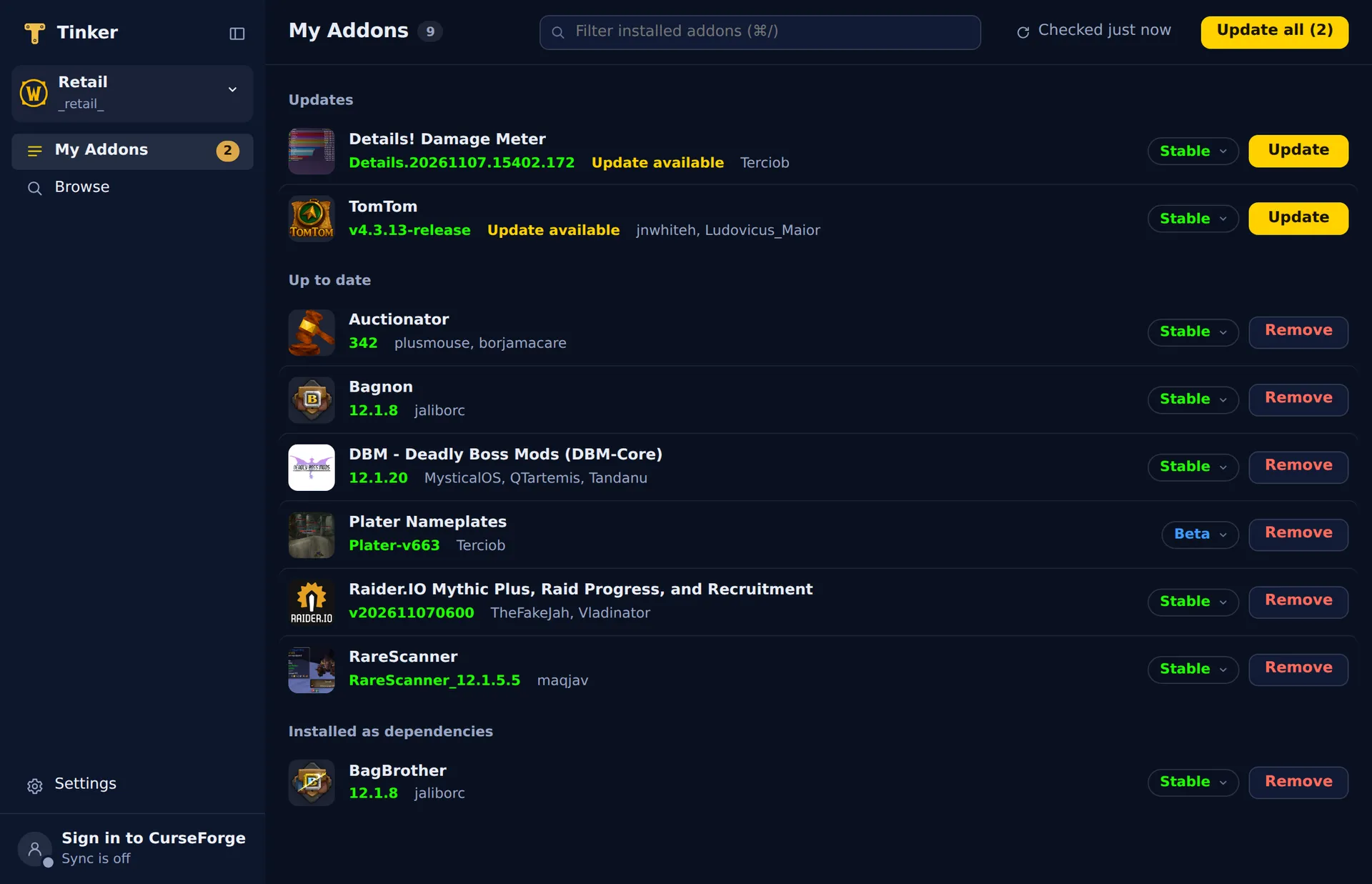
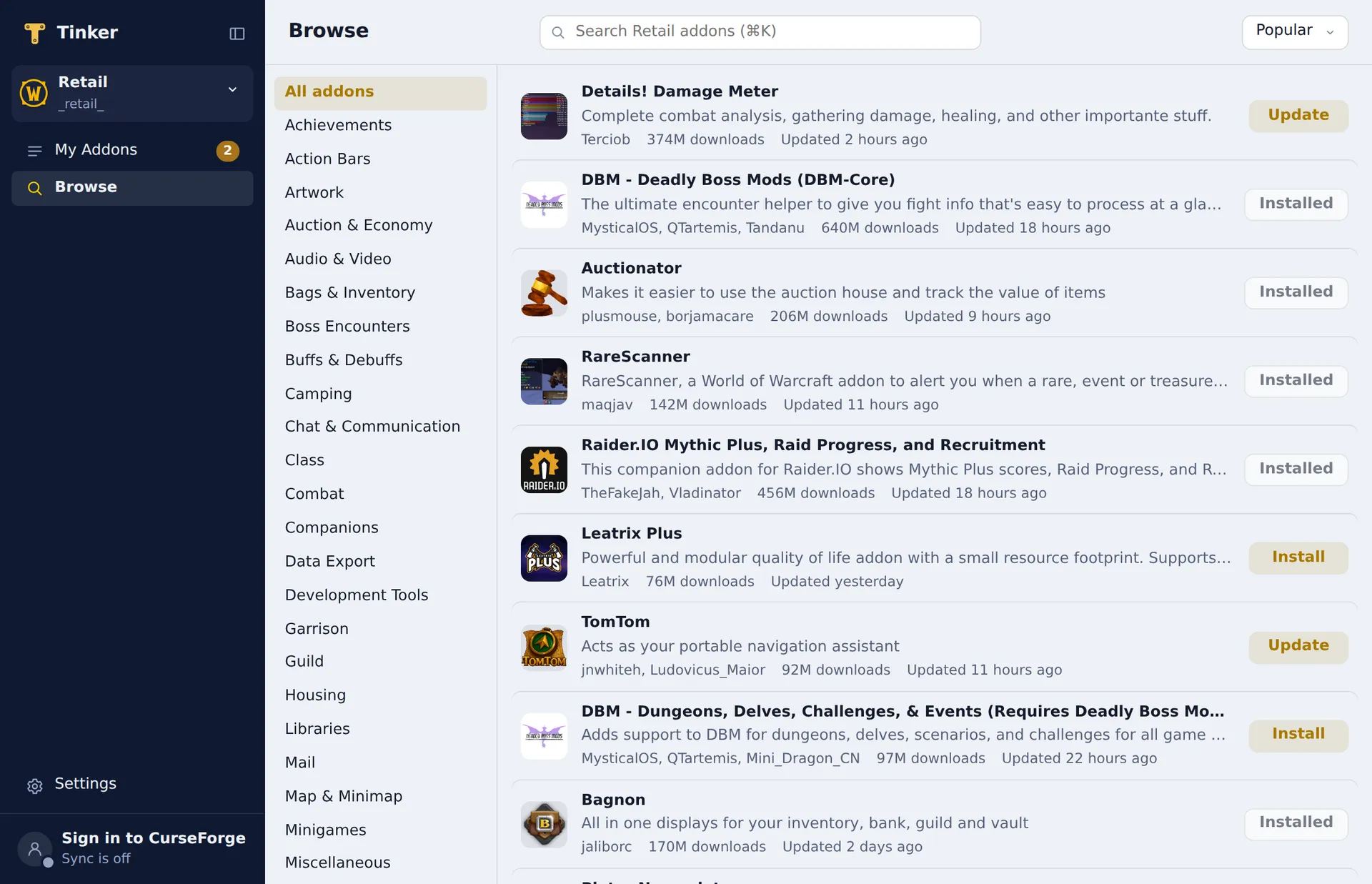
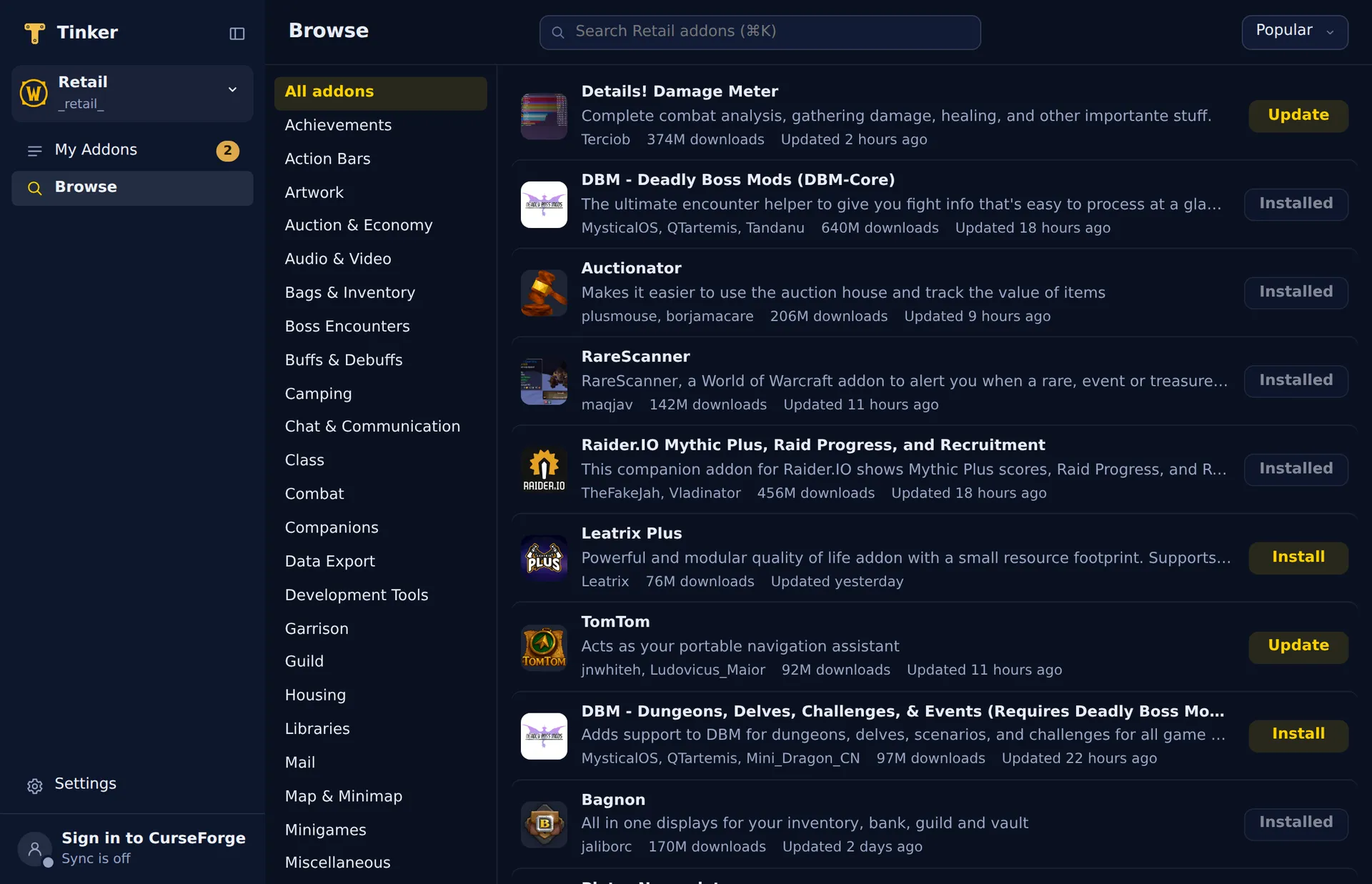
Same addon catalog, same matching of the addons you already have. The ads, the runtime and the extra games stay behind.
Tinker fingerprints your AddOns folder the way the CurseForge app does, so your installed addons show up with their versions. Folders it can't match stay untouched.
Retail, Classic Era, Anniversary, Mists Classic, Titan Reforged, Forever, PTR and Beta. Each client folder gets its own addons and its own updates.
Pick a channel for each addon. Tinker checks every hour and updates on its own, but skips any addon you edited by hand.
Point Tinker at a folder that iCloud Drive or Dropbox keeps in sync, and every computer gets the same addons. No account needed.
Every download is checked against its checksum, then swapped in whole. If a step fails, the old folders come back. Dependencies install and clean up with the addon.
Copy a link that opens any addon right in Tinker. Install buttons on curseforge.com open in Tinker too.
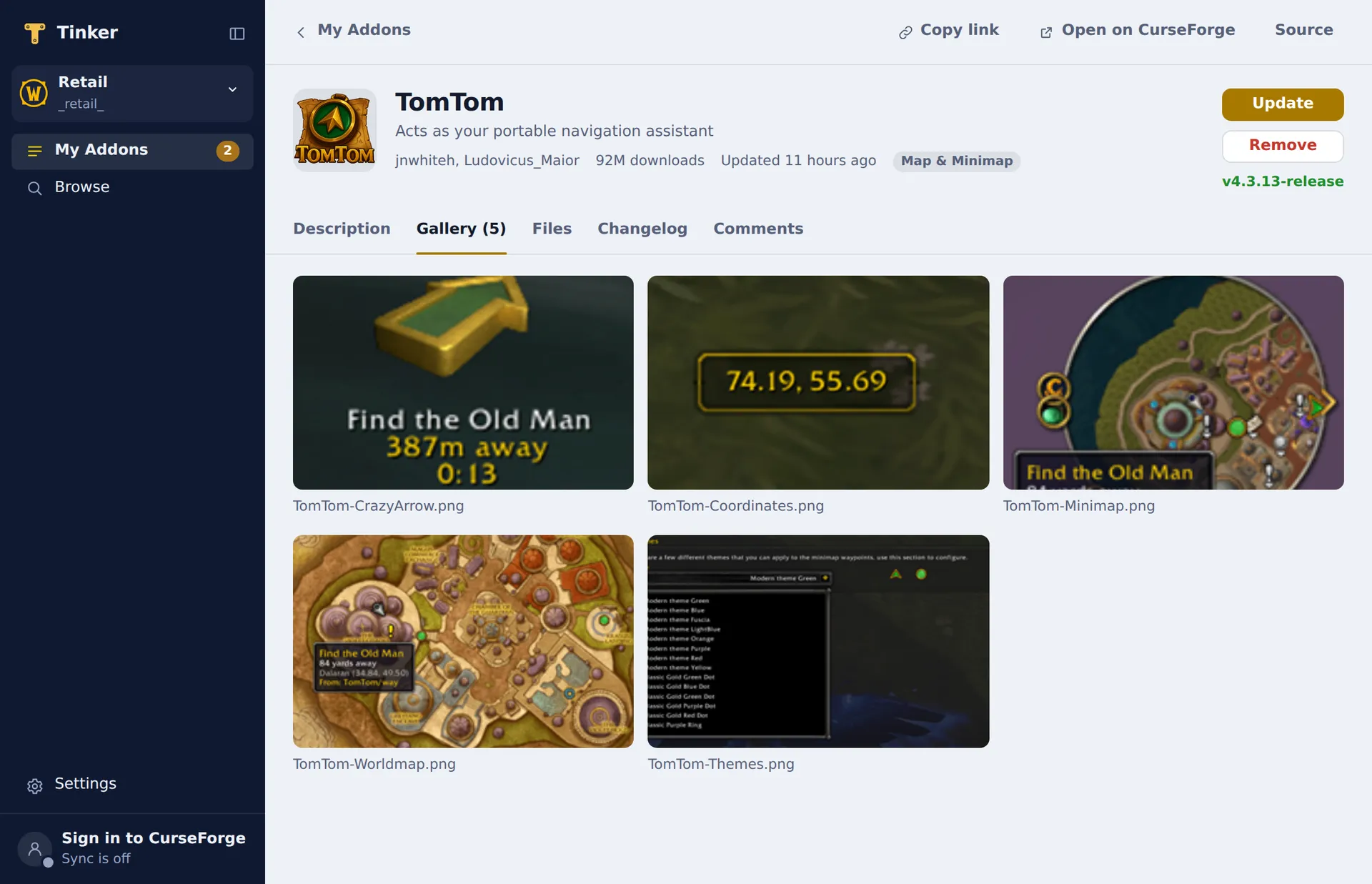
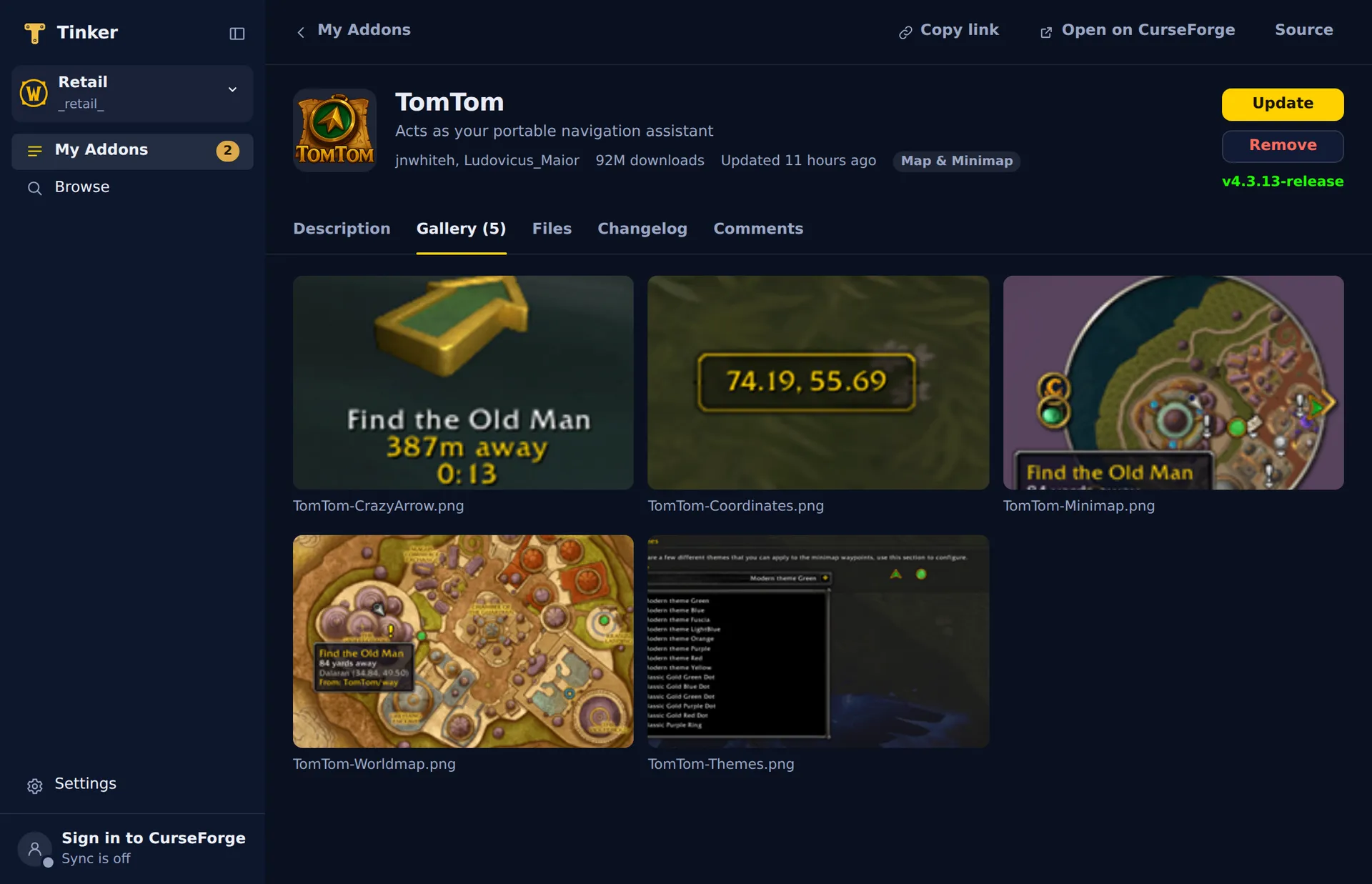
Sizes on macOS, from each app's own installer.
| Compared | Tinker | CurseForge app |
|---|---|---|
| On disk | 25 MB | 500 MB+ |
| Download | ≈ 8.4 MB | 270 MB |
| Ads | None | Yes, from the Overwolf runtime |
| Tracking and analytics | None | Yes |
| Sync without an account | Yes, any synced folder | No |
| Built on | The system web view | Electron + Overwolf |
Free for macOS, Windows and Linux. Version 0.1.0.
Universal: Apple silicon and Intel
macOS 12 or later
Installer for 64-bit Windows
Windows 10 or 11 · WebView2, built into Windows 11
x86-64 · Debian, Ubuntu, Arch and more
Any distro: .tar.gz (6.4 MB) and install.sh (7 KB). See Linux install.
GTK 3 and WebKitGTK 4.1
≈ sizes are estimates until the first release builds.
No. Tinker is an independent app. It uses CurseForge's public addon catalog, and it is not affiliated with CurseForge, Overwolf or Blizzard Entertainment.
No. Browsing, installing and updating need no account. Sign in only if you want Tinker to keep your CurseForge sync groups current for the official app on other computers.
No. Folders that Tinker can't match to a CurseForge addon stay exactly as they are. Tinker lists them under “Not from CurseForge” so you know it saw them.
Yes. Both apps read the same AddOns folder. Tinker becomes the app that opens CurseForge's install links, so the Install button on curseforge.com opens Tinker.
Settings and your addon list live in the app's data folder, and your CurseForge sign-in lives in the system keychain. In the game folder, Tinker writes nothing but the addons themselves.
World of Warcraft only, in every flavor: Retail, Classic Era, Anniversary, Mists Classic, Titan Reforged, Forever, and the PTR and Beta clients.